Dr. Jo Watts Williams School of Education







Empowering Educators. Impacting Learners.
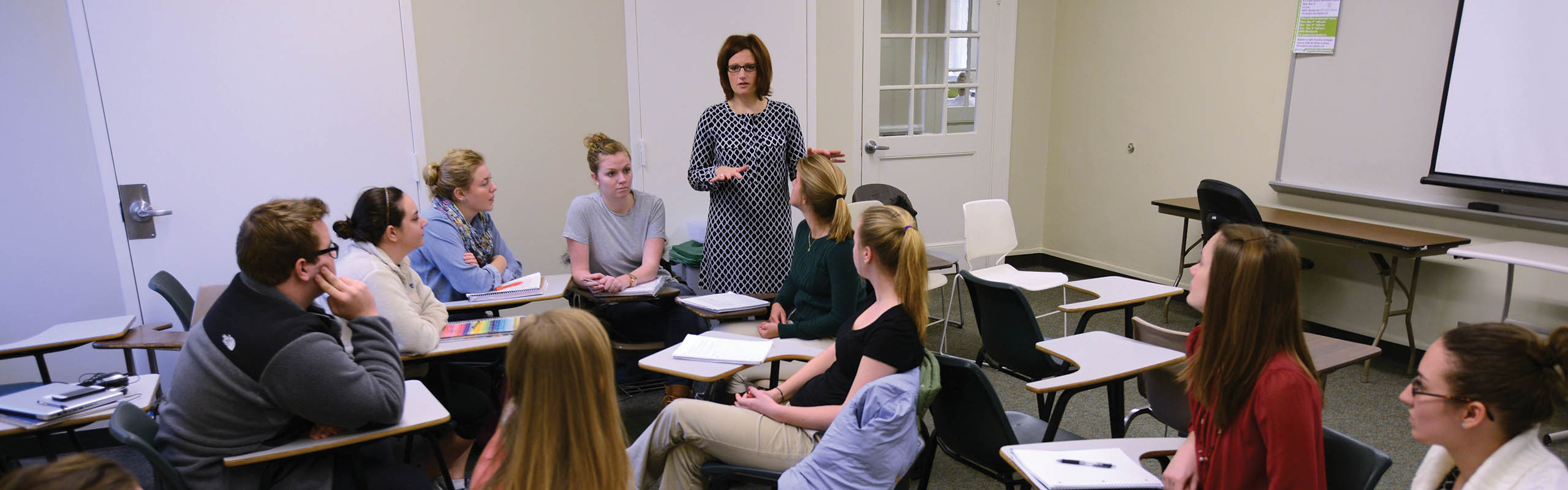
Through a wide-ranging choice of undergraduate majors and minors and graduate programs, the Dr. Jo Watts Williams School of Education combines a challenging curriculum with ongoing internship experiences and opportunities for international study.
The faculty in the Dr. Jo Watts Williams School of Education offer students the opportunity to develop and expand their expertise as global citizens and advocates for learners of all ages in a variety of educational settings – from early childhood centers, public and private schools, higher education institutions, footfall fields, to mountain tops throughout the world.
Initial licensure programs in the Dr. Jo Watts Williams School of Education are accredited under the Council for the Accreditation of Educator Preparation (CAEP), for a period of seven years, from 2022-2029.
The initial teacher preparation programs in the Dr. Jo Watts Williams School of Education have as their primary objective to prepare outstanding teachers. The programs pride themselves on a student-oriented, evidence-based philosophy of teaching, early and continuous field experiences, and national accreditation. The programs advance the university’s academic mission through cultivation of directed inquiry, promotion of knowledge of learners and content, and practical engagement in local and global contexts. The faculty work with candidates to deepen their abilities through the fostering of intellectual reflection, assessing the ability to use knowledge, and creating opportunities to lead change.
Advanced candidates who enter Elon’s Master of Education program are experienced teachers and are committed to their careers in education and have a strong desire to broaden their professional knowledge and skills. Elon’s Master of Arts in Higher Education (MHE) is designed to prepare highly effective professionals for roles as administrators, educators and mentors in a variety of college and university settings. Graduates will be visionary professionals who think critically about their work as ethical decision makers and advocates for social justice.