Truitt Center for Religious & Spiritual Life
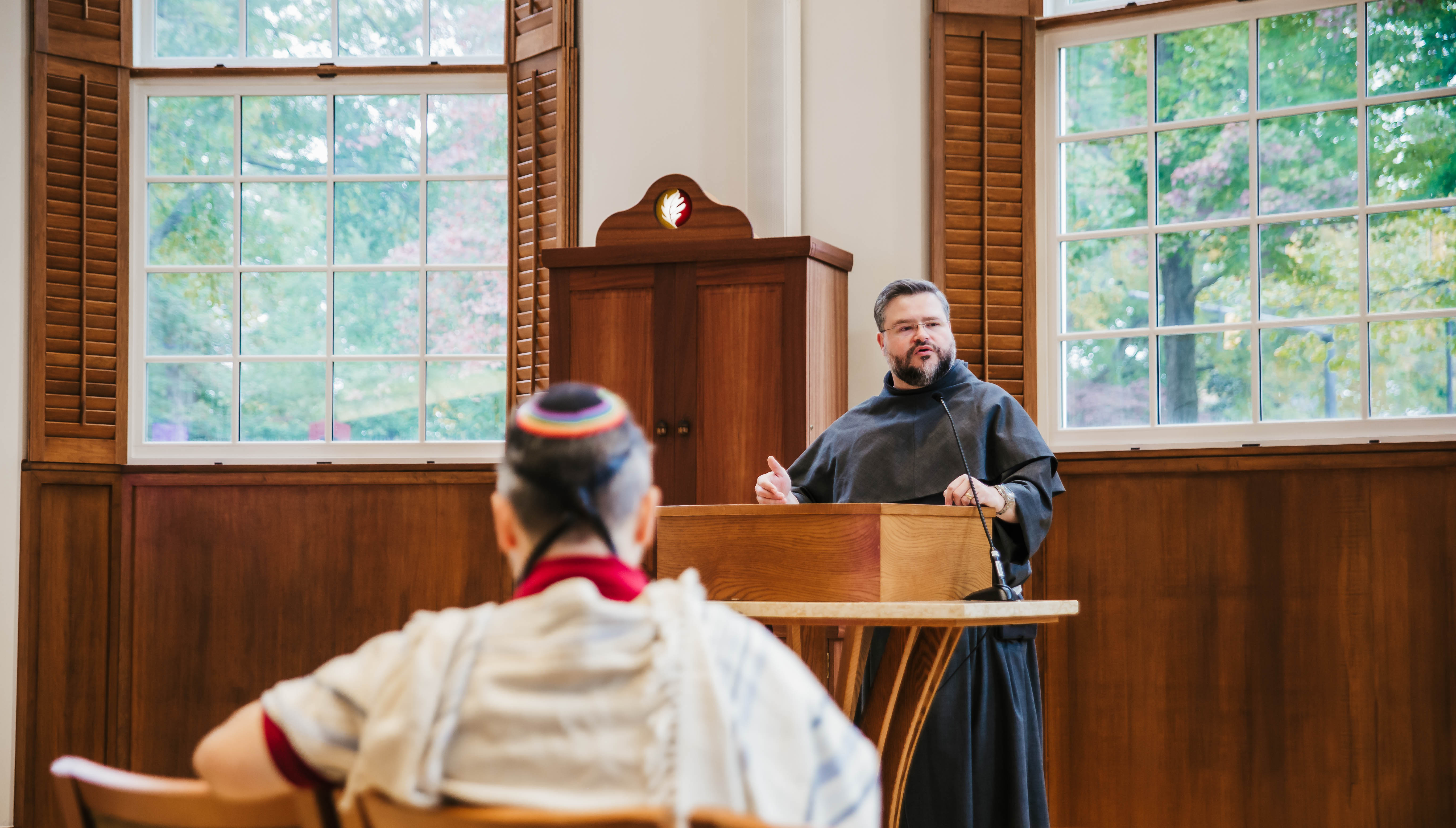
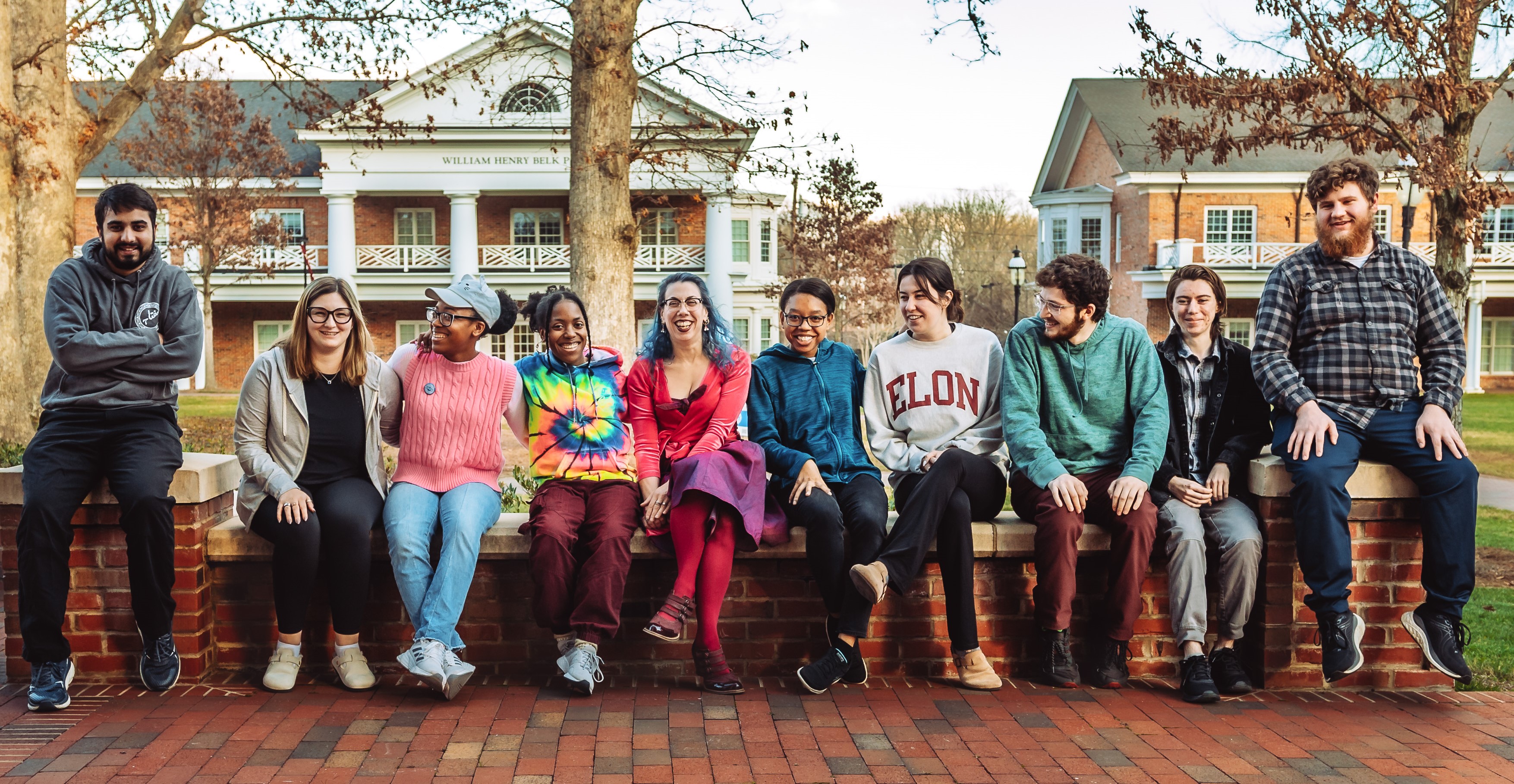
Elon University is a Multifaith campus. This means you are invited to come as you are.
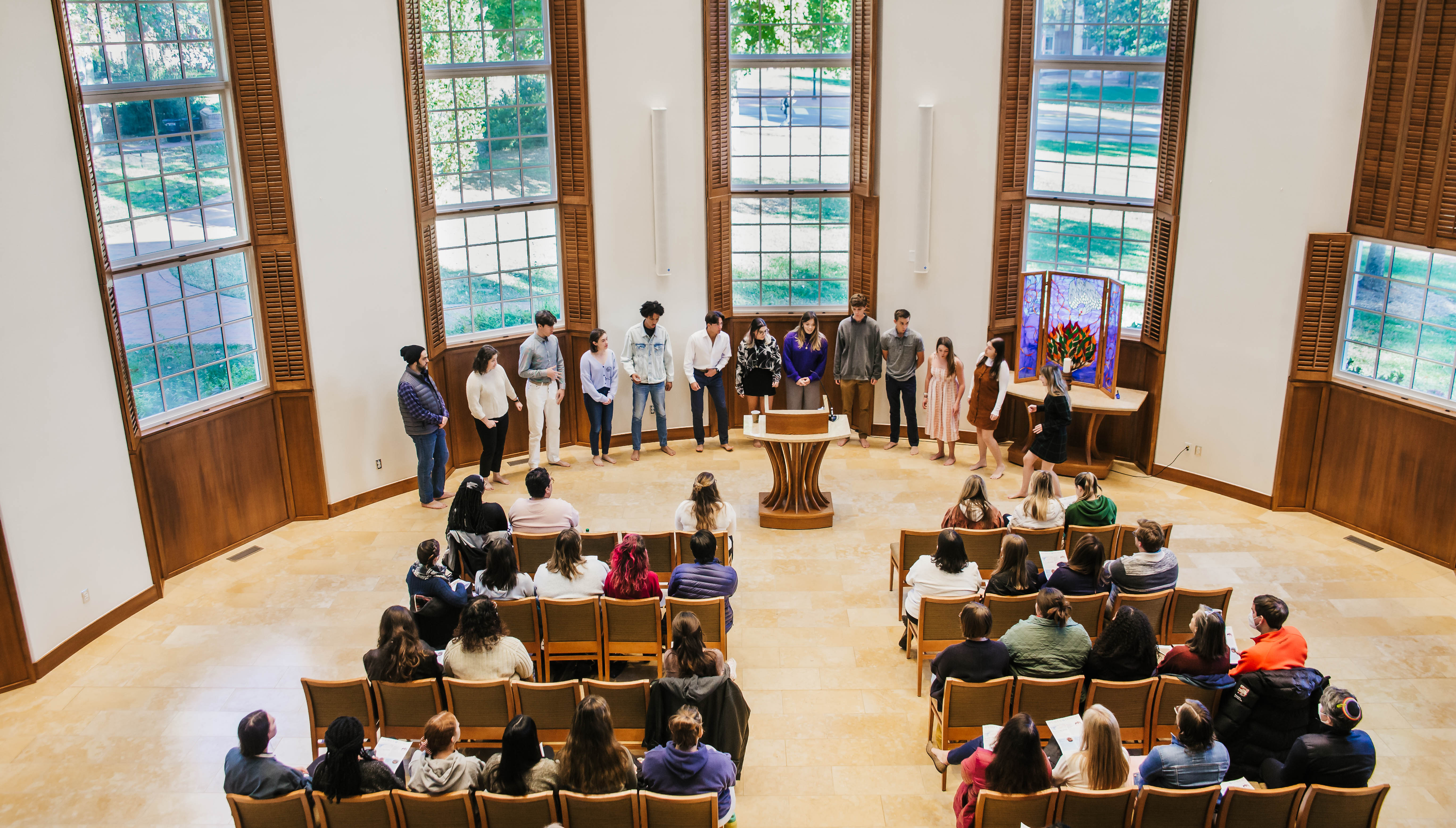
We welcome students, faculty, and staff of all and no religious traditions in all of our spaces, and at all our events and programs. Our students are Christian, Jewish, Muslim, Buddhist, Hindu, Unitarian Universalist, Baha’i, Pagan, Jain, Sikh, Atheist, Agnostic, questioning, seeking, learning, and more.
The Truitt Center for Religious and Spiritual Life provides an on-campus environment for you to engage with meaning and purpose, and explore diverse religious, spiritual, and ethical traditions, worldviews, and identities.
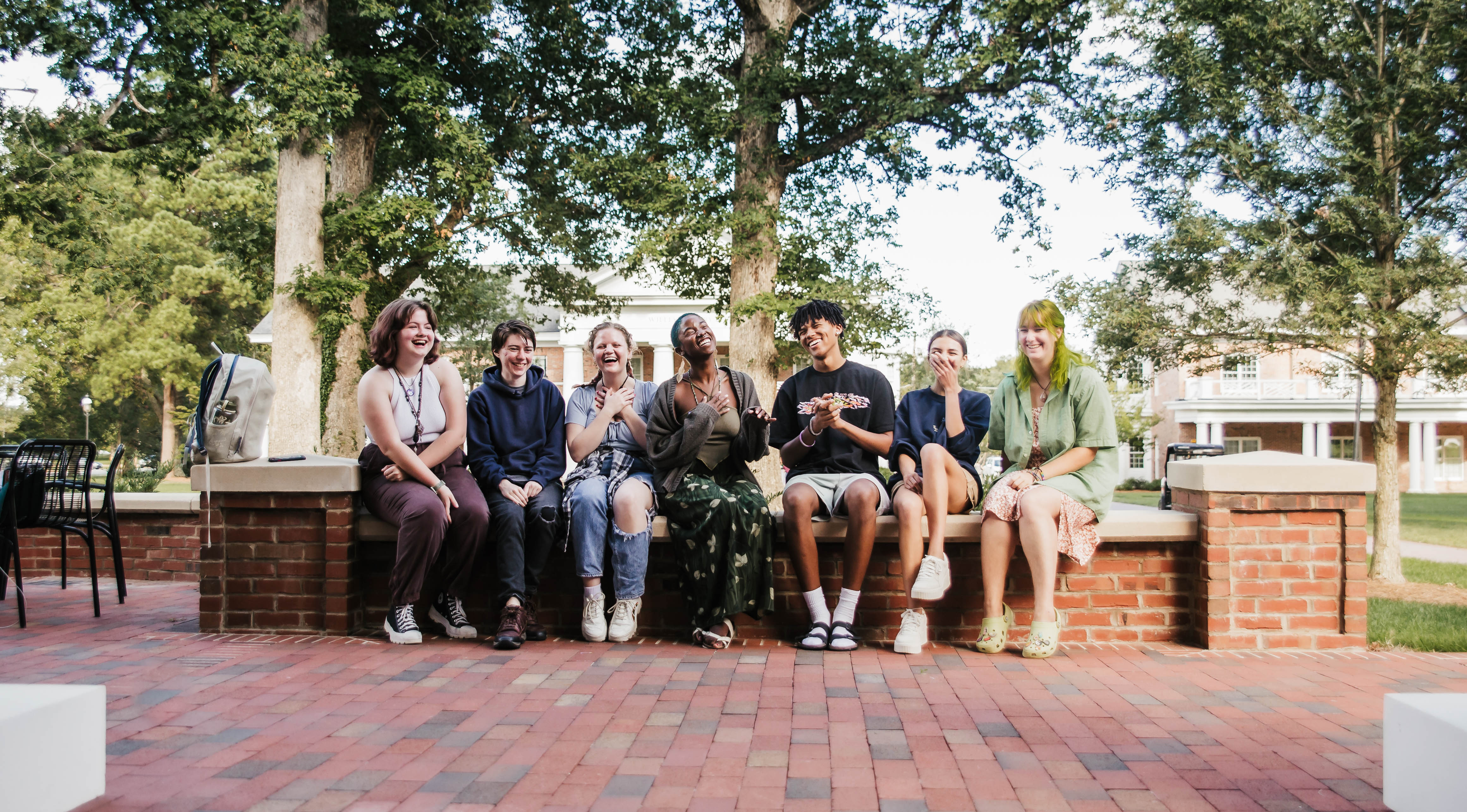
Please fill out our interest form to connect with our diverse student groups and spiritual communities, or just come by the Numen Lumen Pavilion. We are always ready to welcome you with a cup of coffee or tea, a great conversation, or a place to sit and reflect.
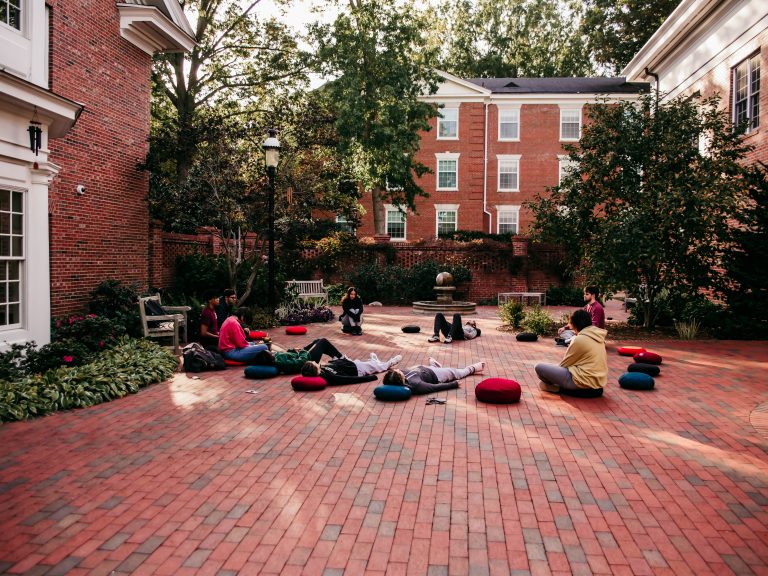
There are many ways to get involved with our vibrant communities and participate in our programs, events, and dialogues. Come and explore Catholic Life, Jewish Life, Muslim Life, Protestant Life and our many student organizations, including yoga and meditation groups. Feel free to click here for a downloadable pdf version of our informational brochure.
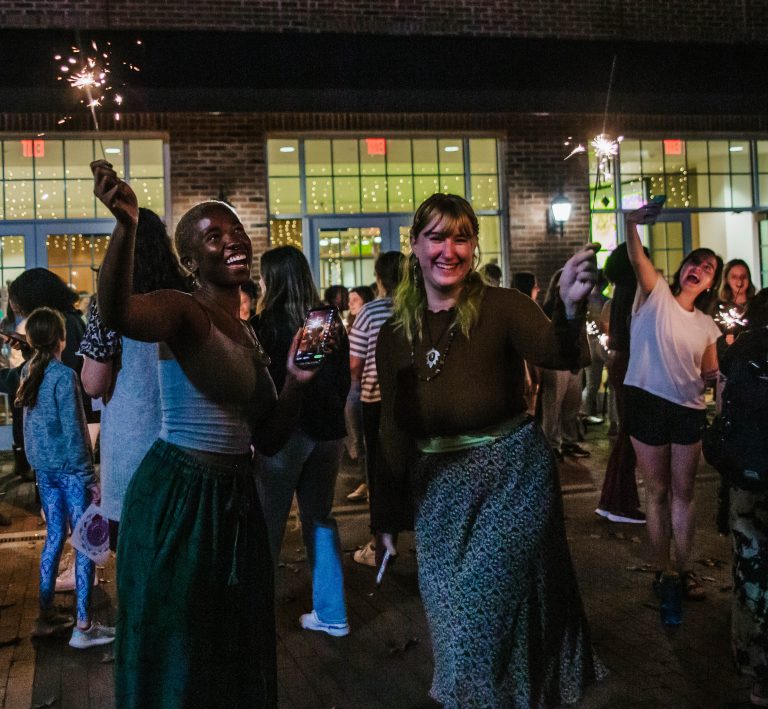
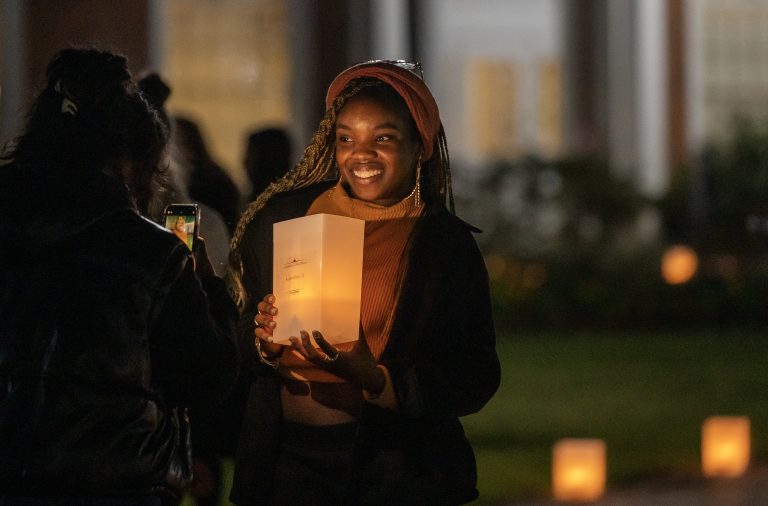
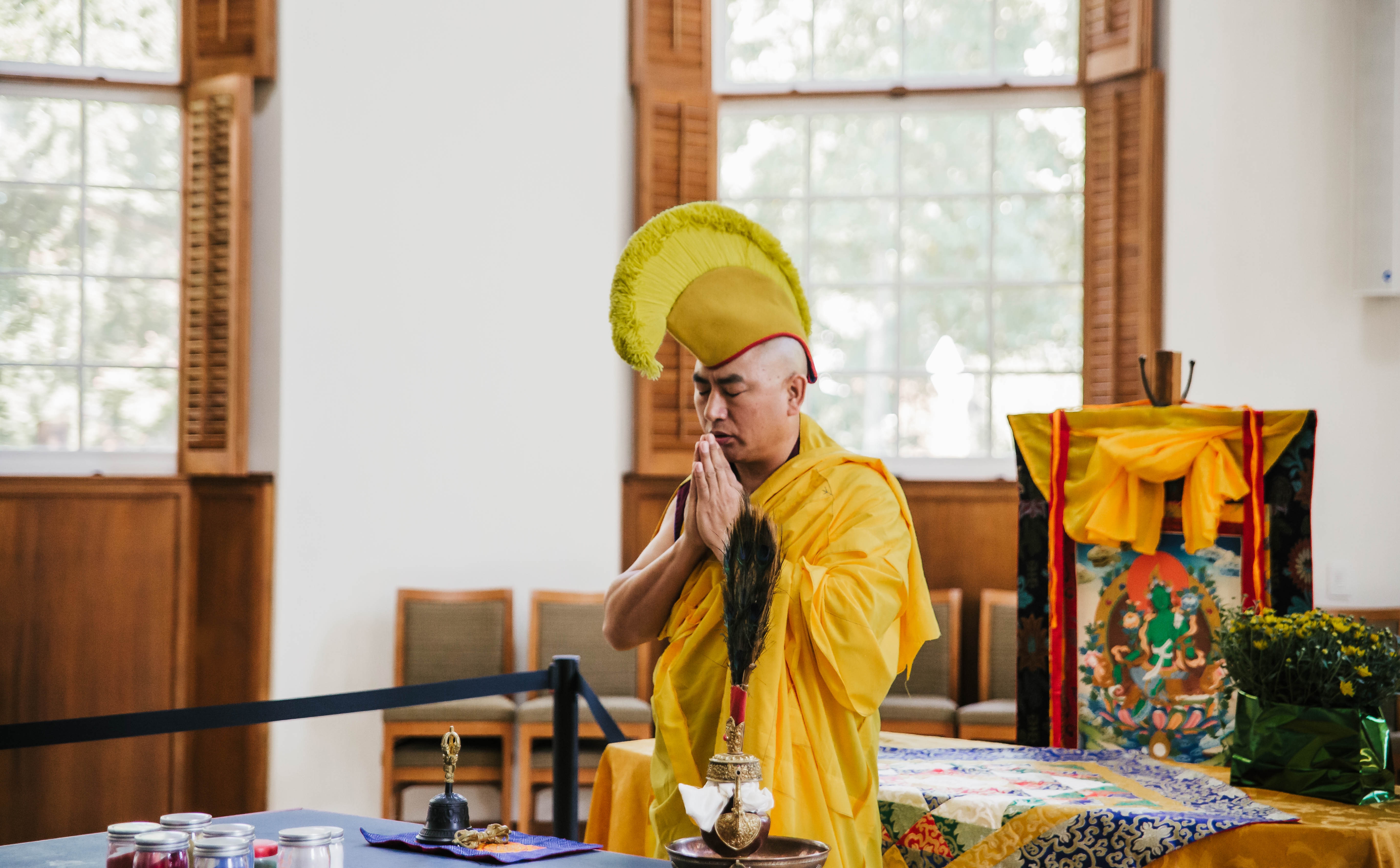
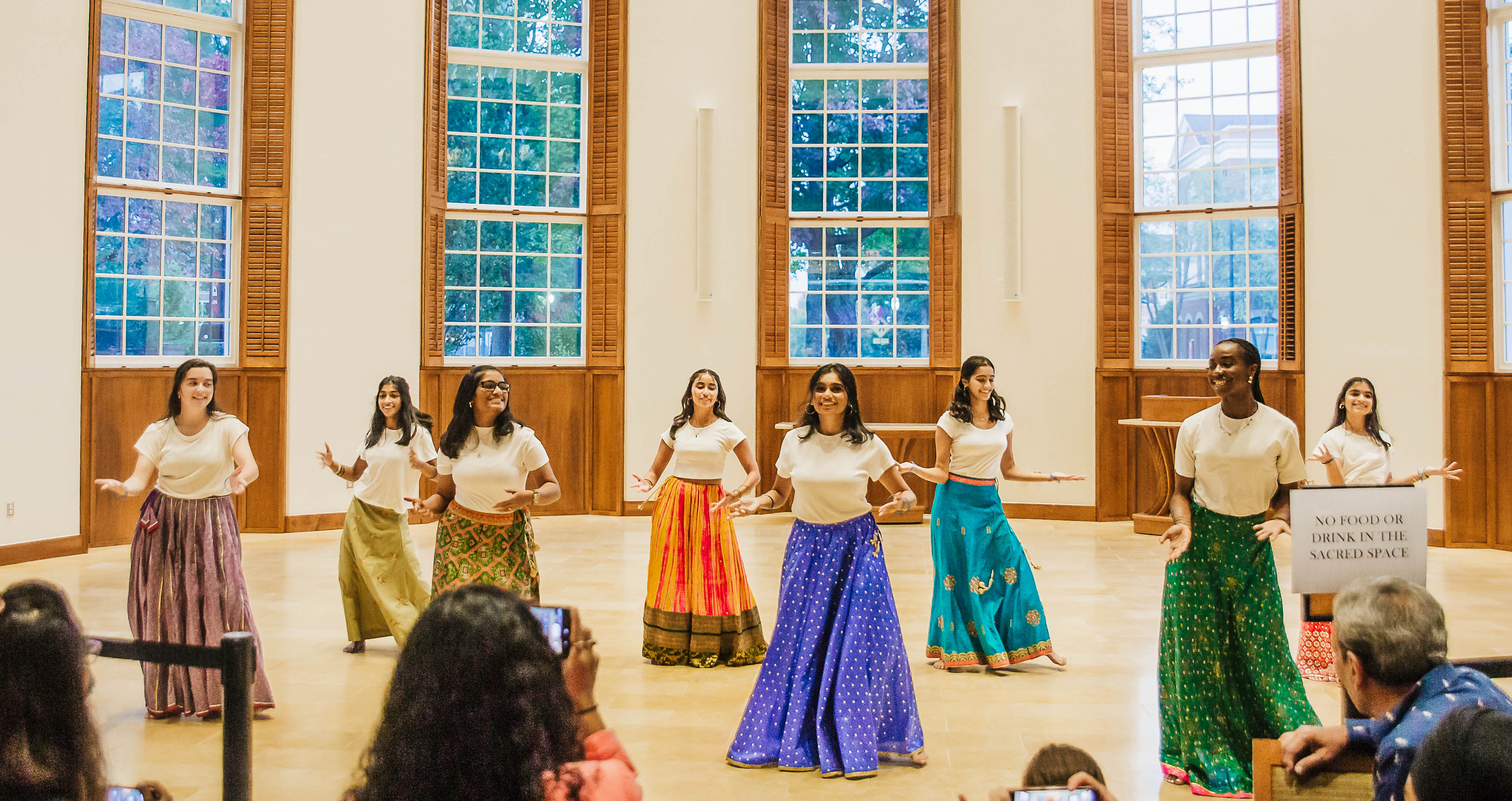
And don’t forget to mark your calendars for our Multifaith festival series: the Green Tara Sand Mandala, Diwali, the Festival of Lights and Luminaries, Lunar New Year, Purim, Holi, and Eid al-Fitr.
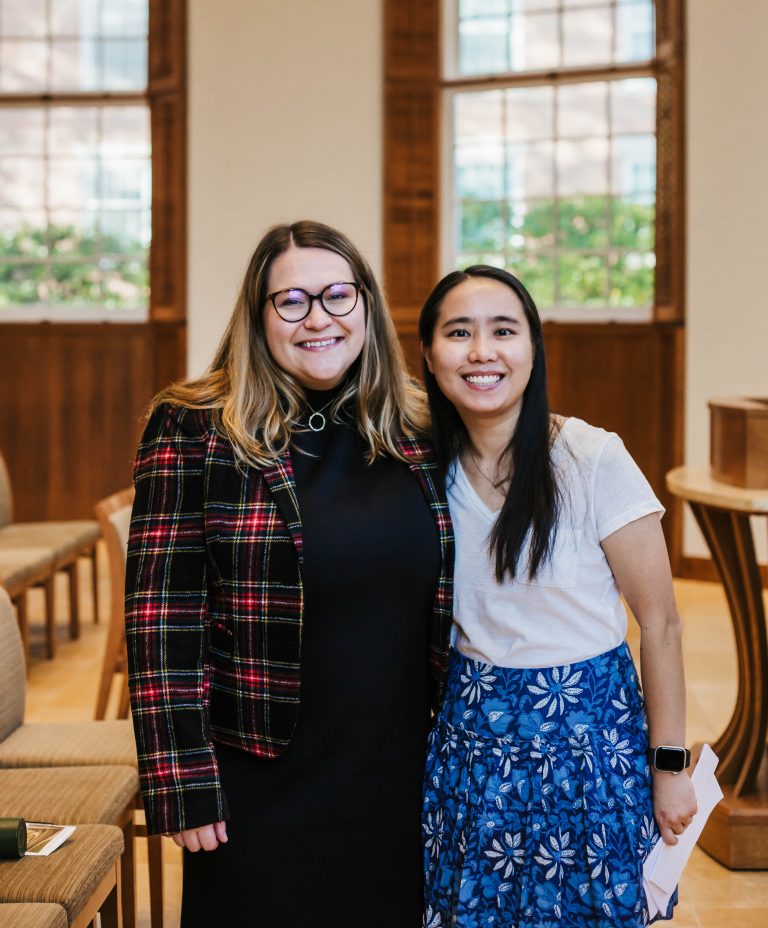
Elon’s five chaplains provide for the religious and spiritual needs of the entire campus community regardless of affiliations or background. The chaplains support students, faculty, and staff in their religious and spiritual lives, facilitate educational, spiritual, and religious opportunities on campus, and are available to members of the community for personal, social, spiritual, institutional concerns or joys. Chaplains also provide pastoral care, and serve as a listening ear and a non-judgmental conversation partner. Learn more about Elon’s chaplains.
Our chaplains offer Loss Support groups for students and for faculty and staff. Chaplains are also present in spaces across campus to discuss identity, meaning, and purpose