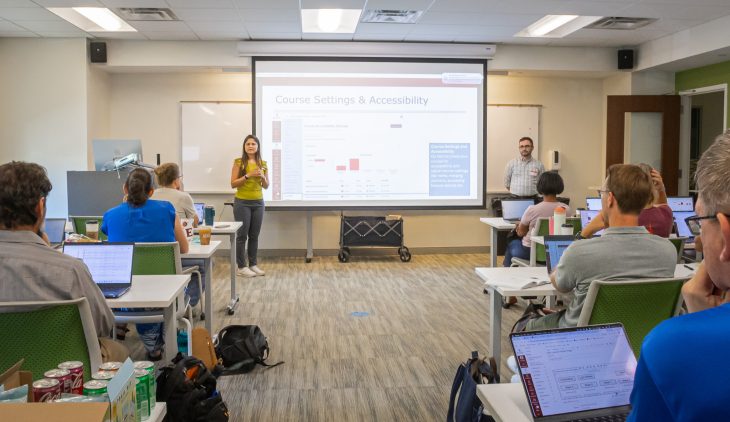
Seventy-four faculty members used dedicated time, hands-on practice and support from Teaching and Learning Technologies to prepare their courses and consider how students will experience learning in Canvas this fall.
As Elon faculty prepare to teach in Canvas for the first time this fall, Digital Learning Days (DLD) gave them dedicated time to work directly in their courses while learning alongside colleagues and Teaching and Learning Technologies (TLT) staff. The experience also created space to look beyond learning the platform itself and consider how Canvas can support meaningful learning experiences for students.
Across three Digital Learning Days (DLD) offerings in June and July, 74 faculty members from disciplines across Elon worked in their migrated courses, explored the university’s new learning management system and began adapting their content and course design for the academic year ahead.
“Our goal for Digital Learning Days was to empower faculty with guidance and space to work through this transition with confidence,” said Dhvani Toprani, assistant director of Learning Design and Support within Teaching and Learning Technologies. “We wanted them to leave with a deeper understanding of Canvas and ideas for using it to create meaningful, student-centered learning experiences.”
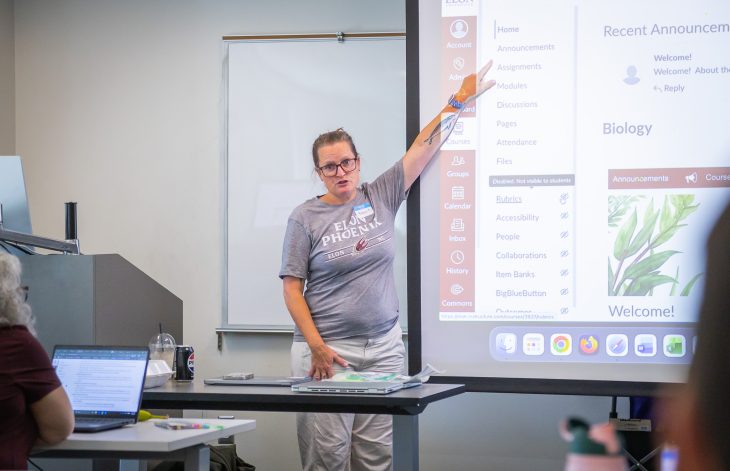
Throughout the day, faculty applied what they were learning directly to their own courses, making progress on the work they could continue building on after the session and becoming more familiar with the platform along the way.
In anonymous feedback collected after DLD, one participant described that shift:
“I walked in feeling only marginally familiar with Canvas and definitely unprepared to build my courses. I am leaving today feeling much more comfortable, confident, and (dare I say) even excited to finish building and customizing my courses.”
Designing with students in mind
Throughout DLD, faculty considered how course organization, visual design, assessment and instructional choices shape the student experience.
Instructional Technologists Becky Kloepfer, Kendra Nanton and Tristan Daniels guided faculty through strategies for creating consistent, accessible and approachable courses. Sessions gave participants opportunities to apply those ideas in different ways, from using Adobe Express to develop course visuals to exploring Canvas Course Analytics to better understand student activity and engagement.
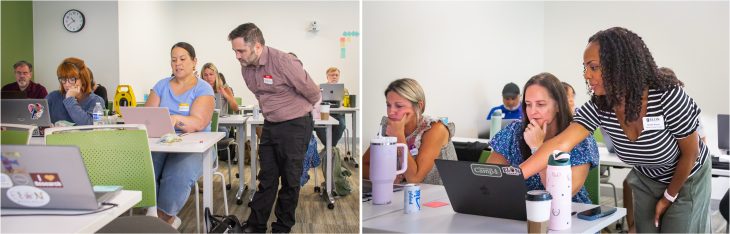
Faculty also spent time working through assessment in the new learning management system, including Canvas Quizzes, migrating question banks from Moodle and addressing common migration challenges.
Student perspectives were part of that work as well. TLT student employees Alana Driver and Jose Besednjak Izquierdo supported DLD, contributing their perspectives as faculty considered how students will navigate and experience their courses in Canvas.
By the end of the sessions, faculty had made progress on the courses they will teach this fall while developing greater familiarity with the new learning management system. That work will continue as faculty gain experience with Canvas and further develop their courses throughout the semester. Overall, feedback from participants appreciated the blended focus on structured instruction, work time, and having the space to ask individual questions.
As Elon begins its first semester in Canvas, DLD reflects TLT’s broader approach to the transition: creating opportunities for faculty to learn, experiment and seek support while keeping teaching and the student experience at the center.