

The Elon Brand in Action
Your Toolkit for Brand Success
The Elon brand comes to life through the materials we create every day — from a simple flyer to a campus-wide campaign. This section offers the tools, templates and processes you need to convey Elon’s look, voice and spirit with confidence. Whether you’re creating something yourself, ordering promotional items or requesting help from University Communications, you’ll find everything you need here to turn our brand standards into polished, on-brand communications.
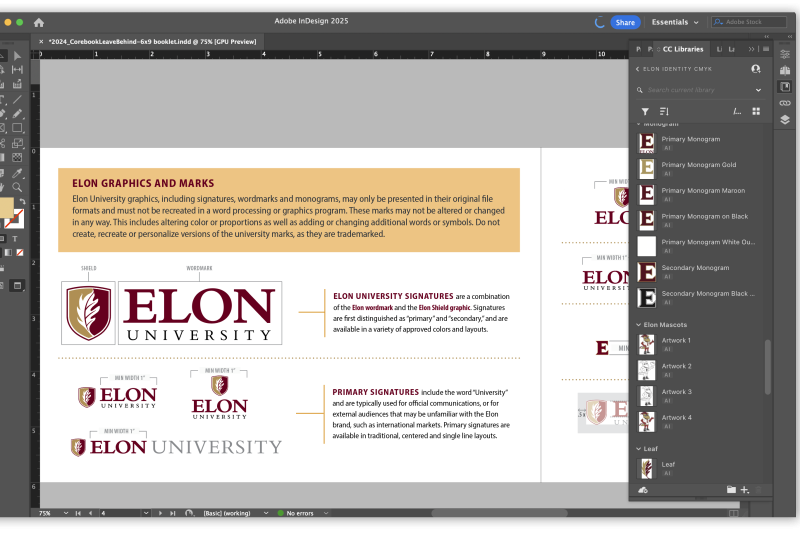
Adobe InDesign
The Professional Standard
Elon University offers all faculty and staff free access to Adobe Creative Cloud, which includes InDesign software. Adobe InDesign is widely recognized as the industry standard for creating professional printed materials and printer-ready files. It is the most flexible design tool for creating marketing and communications materials. The Office of University Communications uses Adobe InDesign as the primary design tool for all design projects for printed materials. This ensures compatibility with our established print workflows, adherence to brand standards and the delivery of high-quality materials that accurately reflect our brand. Members of the university community seeking training can participate in free LinkedIn Learning courses tailored to their level of experience.
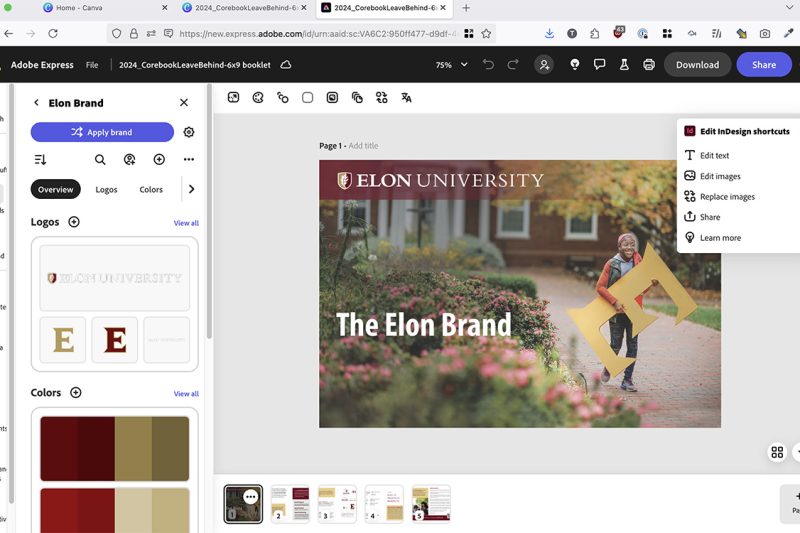
Adobe Express
On-Brand Made Simple
Adobe Express is a good alternative for those who have previously worked with Canva. This all-in-one design, photo and video tool is a more accessible option for mainstream users that is still compatible with Adobe’s other programs, like InDesign and Photoshop. Log into Adobe Express with your Elon credentials to access the university’s brand colors, fonts and several design templates.
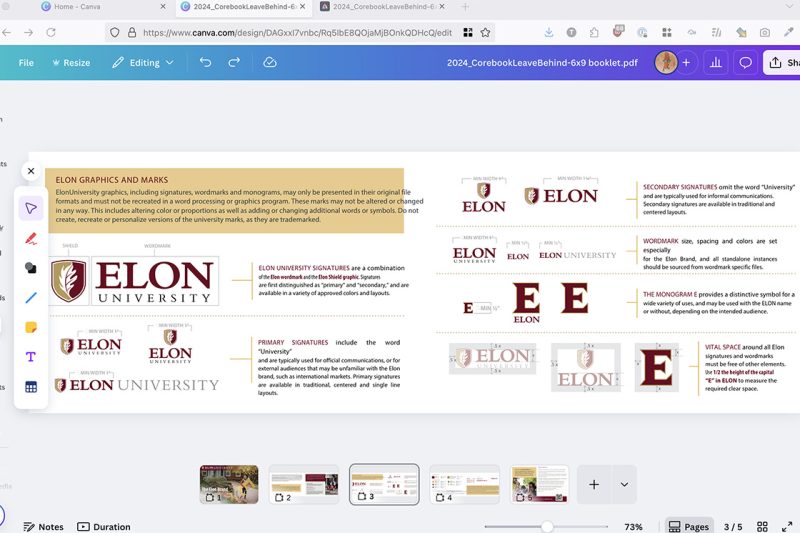
Canva
Quick, But Limited
While Canva is a popular design tool known for its user-friendly interface and accessibility, this software often does not meet the technical standards required to produce professional-grade printed materials. Canva software may be used for digital graphics and online content, but the limitations of the program prevent University Communications from reviewing or working with campus clients to modify files created in Canva.
Template Library
Elon’s template library makes it easy to start your next project with a professional, on-brand foundation. From fact sheets and PowerPoint slides to digital signage and event flyers, each template offers ready-to-use designs that you can make your own while ensuring your materials reflect the university’s look and feel. Downloadable InDesign files can also be exported to Adobe Express, giving you the flexibility to customize your design no matter your skill level.
Submitting Design Work for Review
All external advertising placed on behalf of the university or its individual units — including video, digital and online advertising, sponsorships, billboards, broadcast and print advertising — must be reviewed by University Communications before placement to ensure messaging and visuals are consistent with Elon’s identity. Printed communications for external audiences (alumni, parents, prospective students) should also be submitted for review.
Internal units and external vendors are strongly encouraged to submit marketing and communications materials created for on-campus use to the Office of University Communications for brand review. This helps ensure consistency with university guidelines and maintains the quality and professionalism of materials seen across campus. If materials do not meet standards, University Communications will recommend modifications and work with you to achieve the best outcomes.
For details on what to submit, the review rubric and the request form, visit the Request a Brand Review page. Contact brand@elon.edu early in your project to ask questions or request guidance.
Printing and Production
Many communications can be produced through Print Services, a full-service, on-campus facility providing custom copy and print services to the Elon University community. Faculty, staff and students can visit printorder.elon.edu to get started on banners, brochures, business cards, flyers, stationary, stickers/decals, yard signs and more.
If you have questions about a project, please contact Print Services as soon as possible before starting the project. They can assist you with setup, advise on cost-cutting measures and offer additional guidance.
For projects requiring an external vendor, please email brand@elon.edu with your project specifications and timeline and we can provide you with a list of vetted vendors who can help bring your vision to life.
Quick Resources
Template Library
Access Elon’s library of ready-to-use designs.
Promotional Materials and Apparel
Review guidelines for on-brand promotional items.
Brand Review Process
Learn how to submit a brand review request.
Creative Services
See what projects we support and how to request design help.