Moseley Center
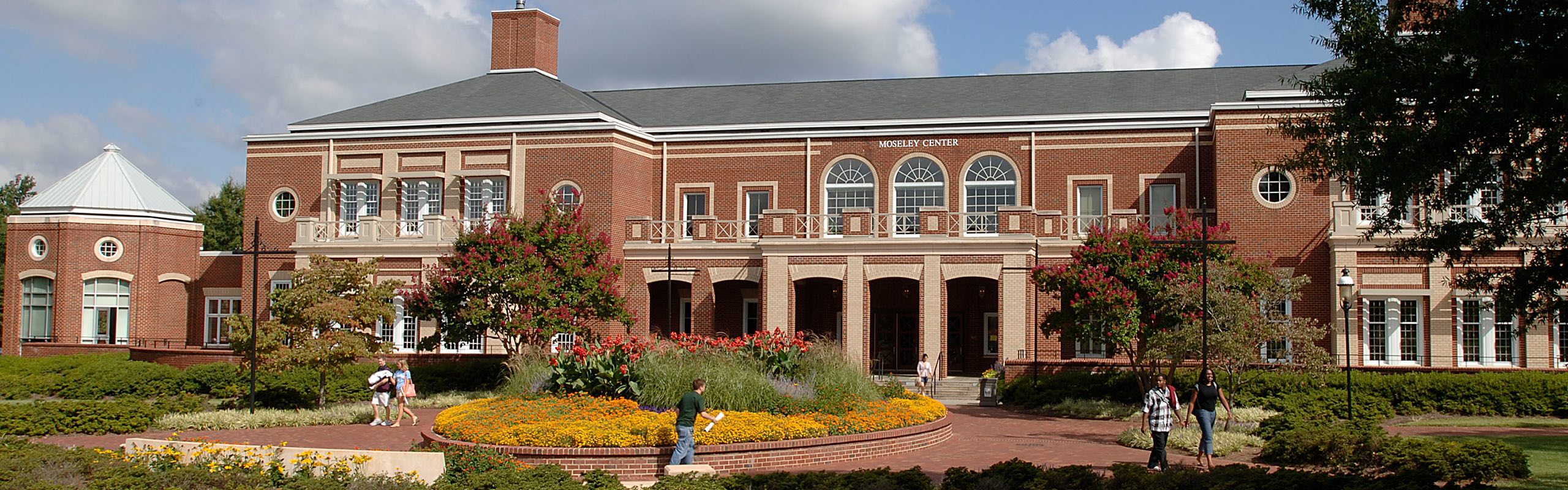
Moseley Center Mission Statement
The Moseley Campus Center mission is to develop and support cultural, educational and social opportunities to enrich campus life.
The Moseley Center is a student centered building and focuses on the development of students outside of the classroom. It may be called by a different name, but it holds the ideals and traditions of a Student Union. Moseley Center traditionally is considered the living room, enhances the student experience and cultivates an enduring connection to the institution.
The Moseley Center advances a sense of community, unifying the institution by embracing the diversity of students, faculty, staff, alumni, and guests. We bolster the educational mission of the institution and the development of students as lifelong learners by delivering an array of cultural, educational, social, and recreational programs, services, and facilities.
Moseley serves as the heart of the campus community and creates a welcoming environment by:
- Operating as a student-centered organization that engages in shared decision making and holistic development through employment and involvement.
- Advocating for inclusivity and equity, fostering respect, and affirming the identities of all individuals.
- Educating students in leadership and social responsibility and offering firsthand experiences in global citizenship.
- Providing gathering spaces to encourage formal and informal community interactions that build meaningful relationships.