3D Printers
3D printers allow you to turn your ideas into physical objects. 3D prints are free for Elon students, faculty and staff.
Equipment
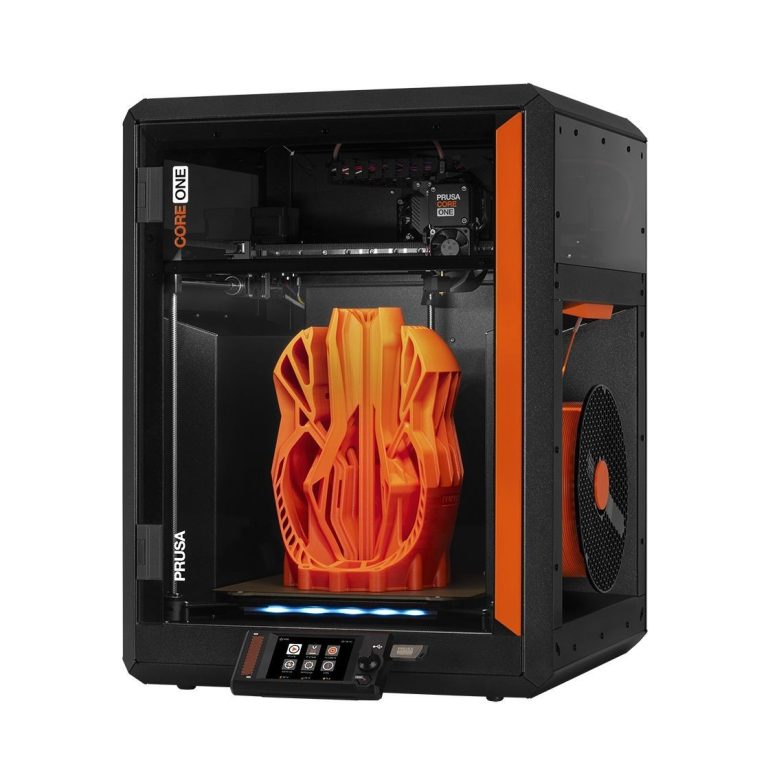
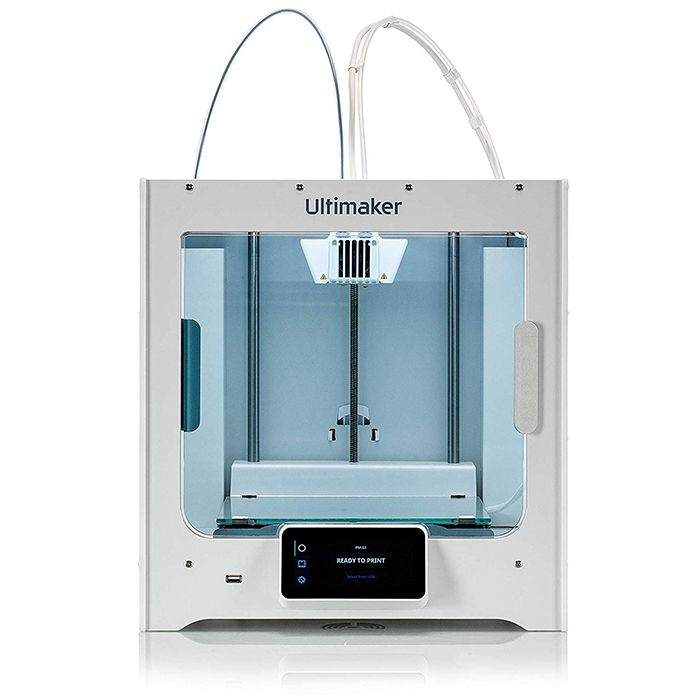
Getting Started with 3D Printing
Want to 3D print in the Maker Hub? Our 3D Printing: Getting Started training is a quick and easy way to learn the basics. It’s available online anytime and walks you through what you need to know to start printing. While the training is recommended, it’s not required. This training is updated for new Prusa Core One 3D printers for 2025!
Resources
- Cheat Sheet: If you’ve already completed the training and need a refresh, read the 3D printing Cheat Sheet. Updated for new Prusa Core One 3D printers in 2025.
- Printing an OBJ file: If you’re starting with an OBJ file instead of an STL file, follow these instructions (Elon login required).
- Software for designing your own 3D files and websites to find free 3D files is on our Moodle page.
3D printing FAQs
Is there a charge for 3D printing?
No, there is no cost for printing in the Maker Hub.
Can I print whatever I want?
You can print a lot of things. Remember, weapons, smoking & drug paraphernalia are banned. Anything you print must follow the Maker Hub’s policies. In addition, you must abide by all applicable laws and Elon Technology’s Acceptable Usage Policy.
Are there limits to how much I can 3D print?
- A single 3D print must take less than 20 hours to print. If your file is estimated to take more than 20 hours, adjust the layer height to a larger value, like .2mm. If you need more help, stop by a location, and a Consultant can help you.
- A user can print up to 80 hours a week.
Can I print in color?
No, the objects you print with our 3D printers will be a single color. If you’d like to add more colors, you can paint the 3D prints.
How long does it take to print something on the 3D printer?
Longer than you expect. The final print time depends on the quality and detail of your printed object. Really small objects can print under an hour. Large complex pieces can take dozens of hours. Most projects fit somewhere in between. The printing software should provide you with a rough estimate of print time.
What type of plastic do your printers use?
PLA only. We’re currently using a variant of PLA filament that is fully compostable. It’s called Panchroma and can be thrown in any compost bin at Elon, allowing us to compost failed prints and supports.
If you’d like to use another specialty filament for a special project, please contact the Maker Hub and explain your project and what material you’d like to use.
How do I send my file to the 3D printers in the Hub?
3DPrinterOS allows you to send your 3D file to our printers from anywhere.
You’ll learn more about that in the 3D Printing: Getting Started training.