Downtown Laser Engraver
The Downtown laser engraver is our larger, higher-power laser engraver. It’s able to engrave and cut more materials than the Glowforge.
Example Projects
Check out these projects made on the Downtown laser. Click on them to learn more.
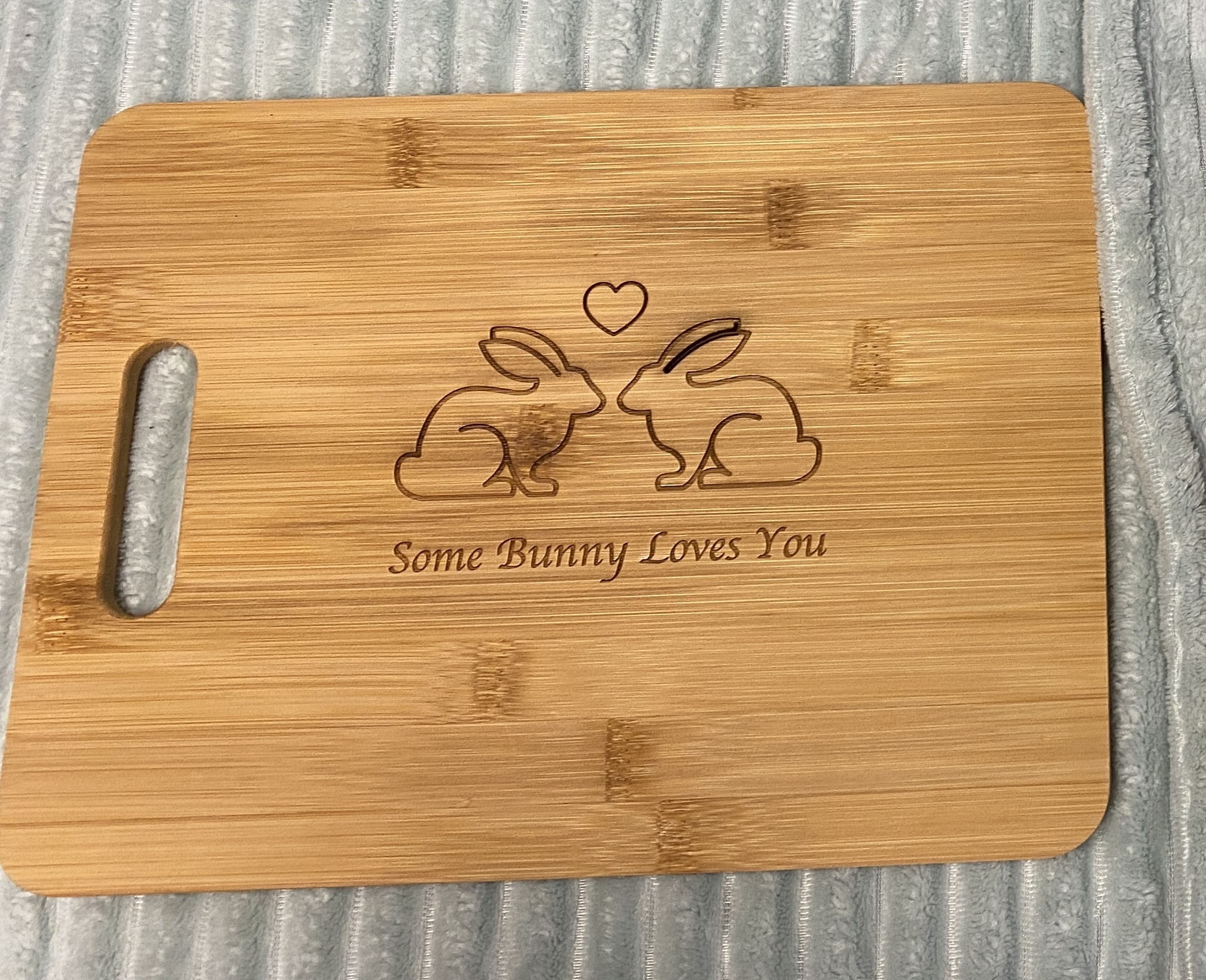
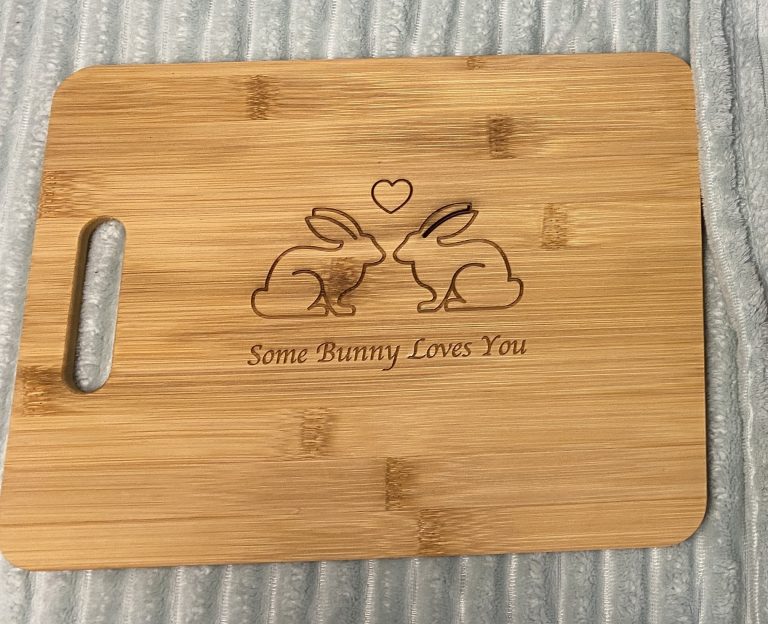 Laser engraved bamboo cutting board by student Lexi Angermueller.
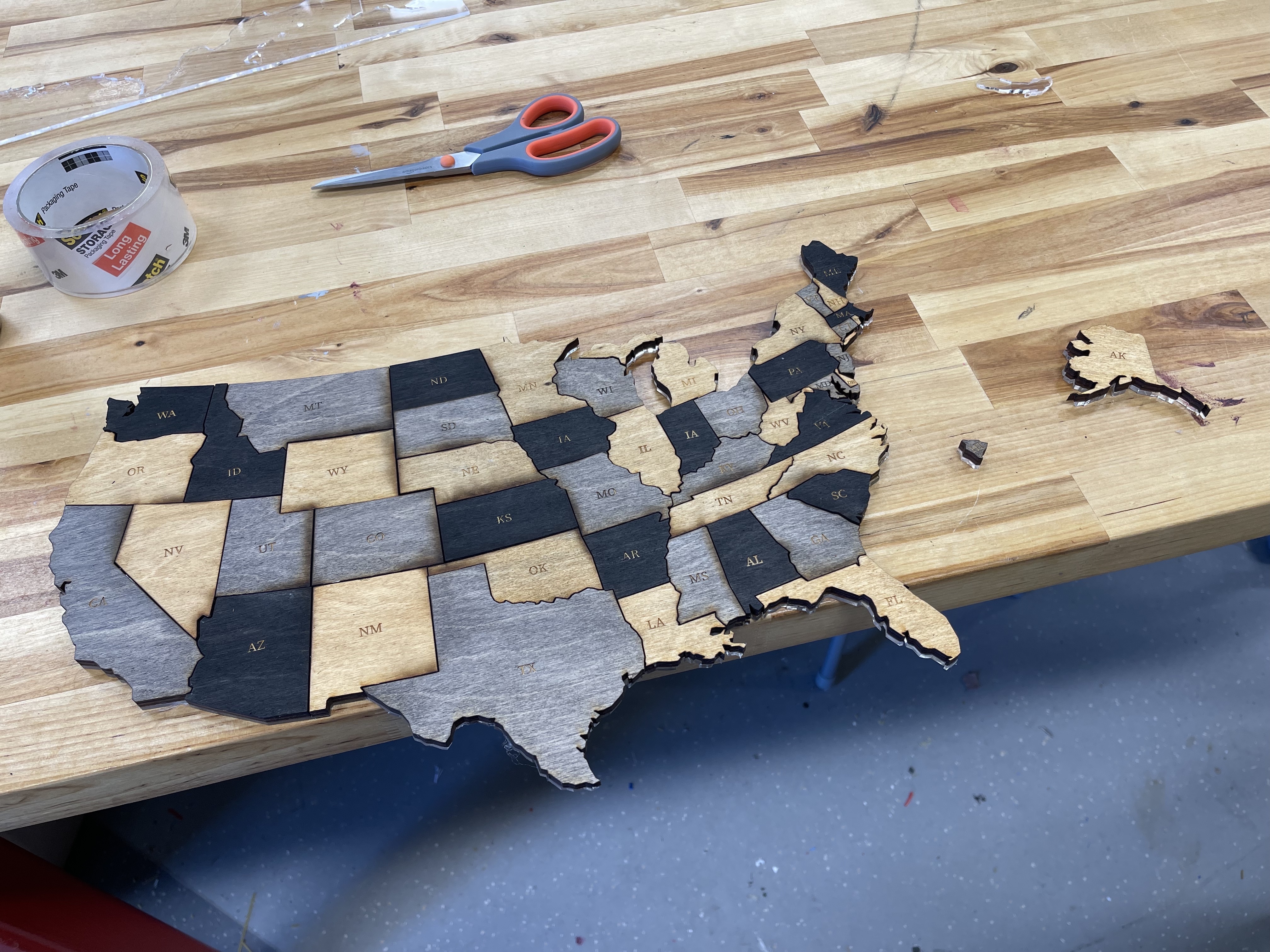
 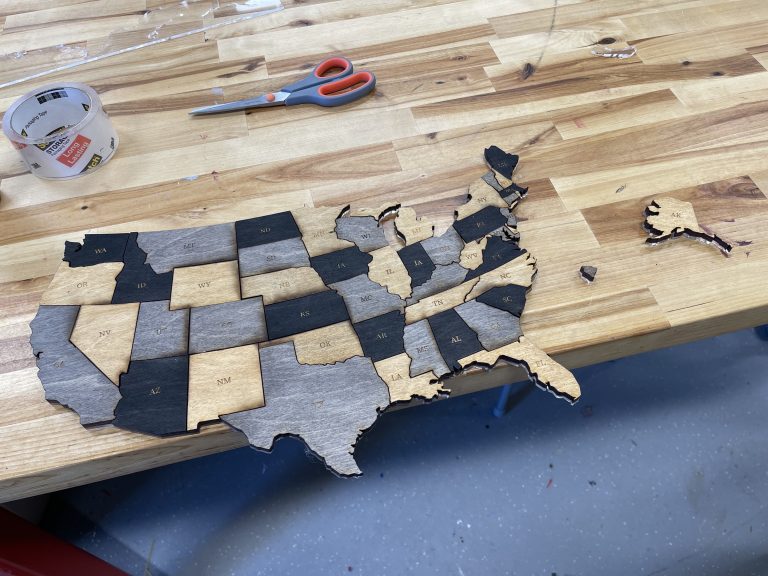 Laser cut puzzle of the United States by student Christina Wyatt.
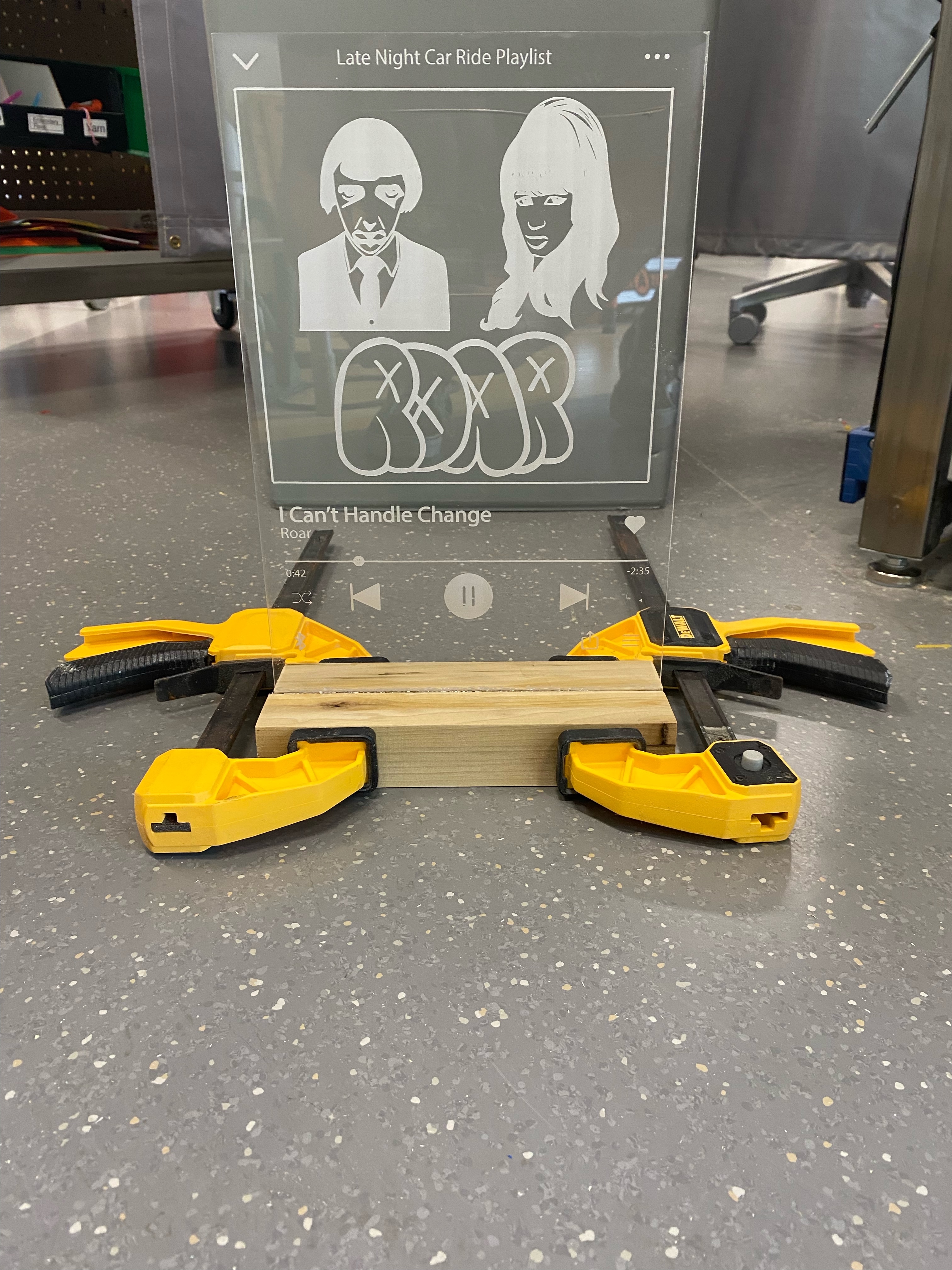
 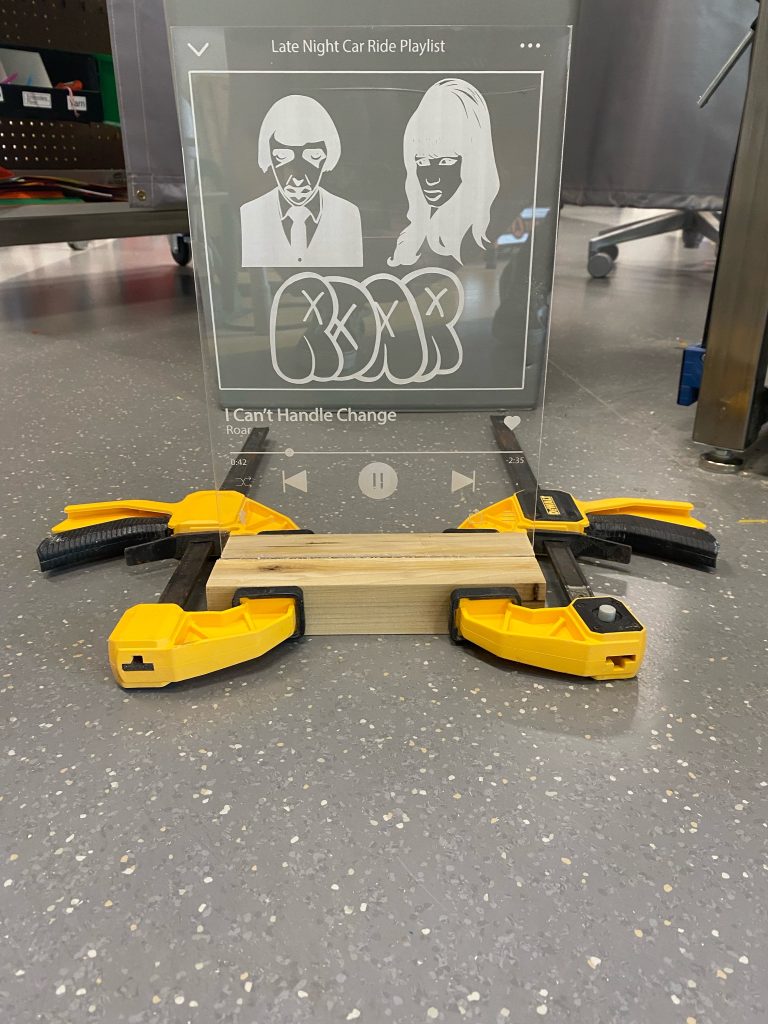 A sign laser engraved on acrylic by student Andrew Fiorenza.
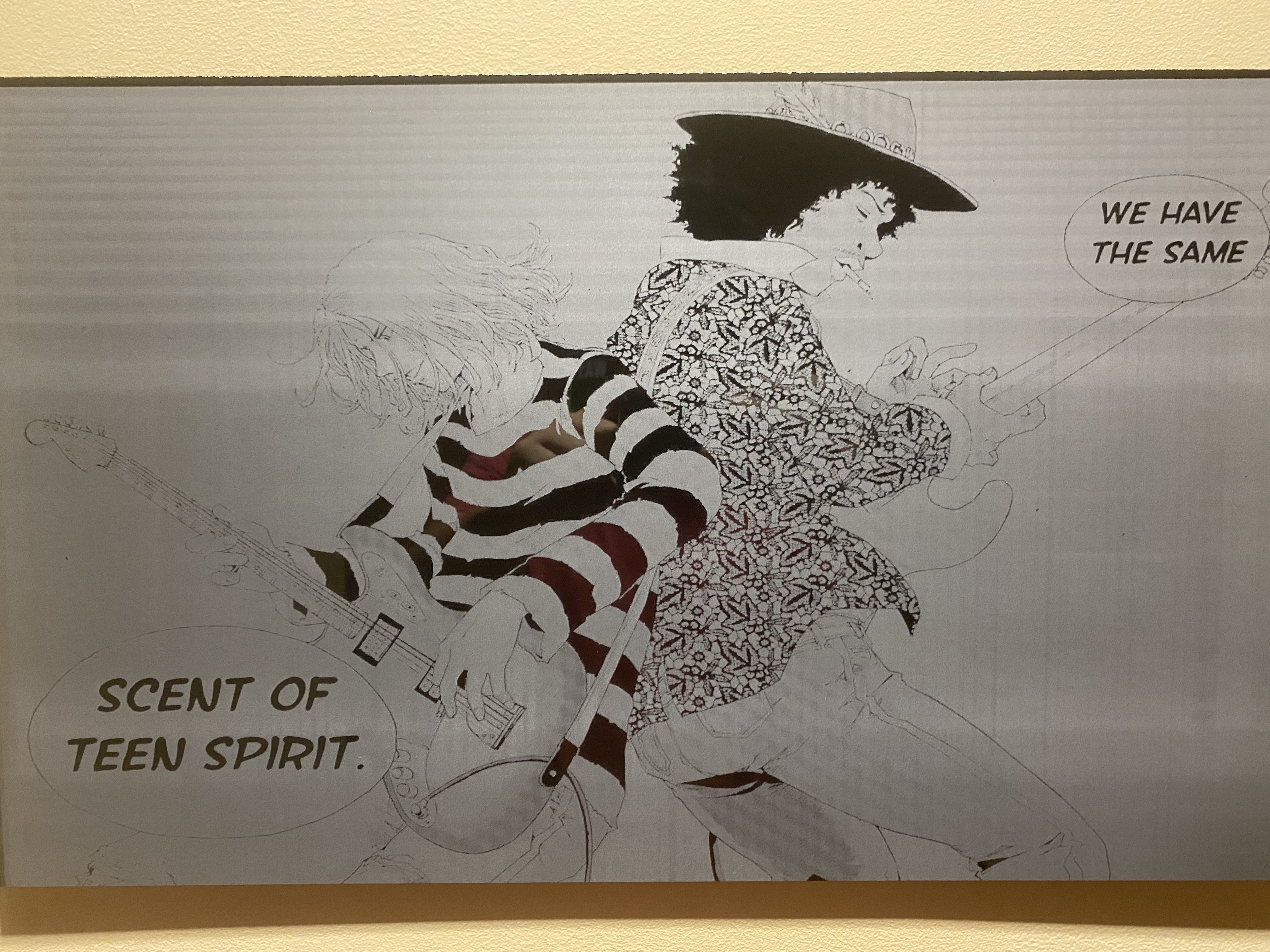
 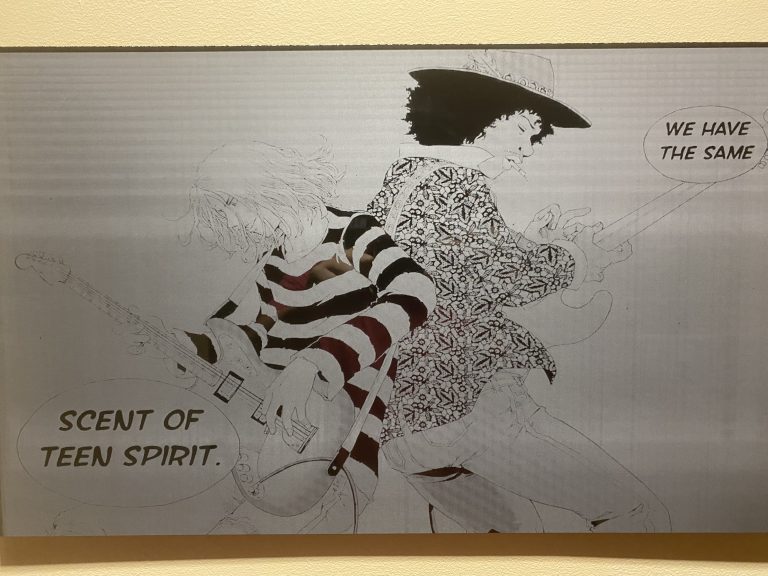 Laser engraved on black acrylic by student Jun Kim.
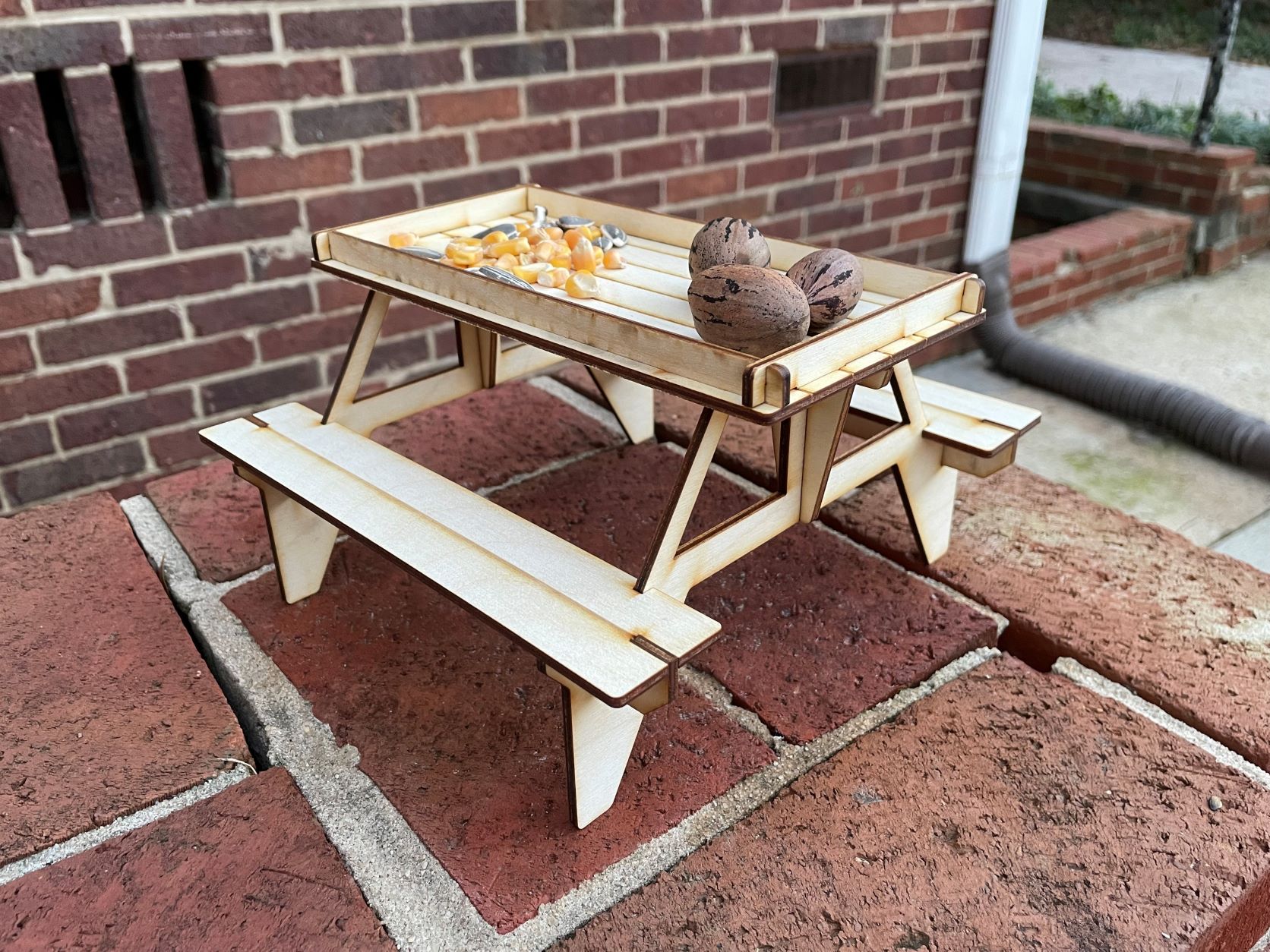
 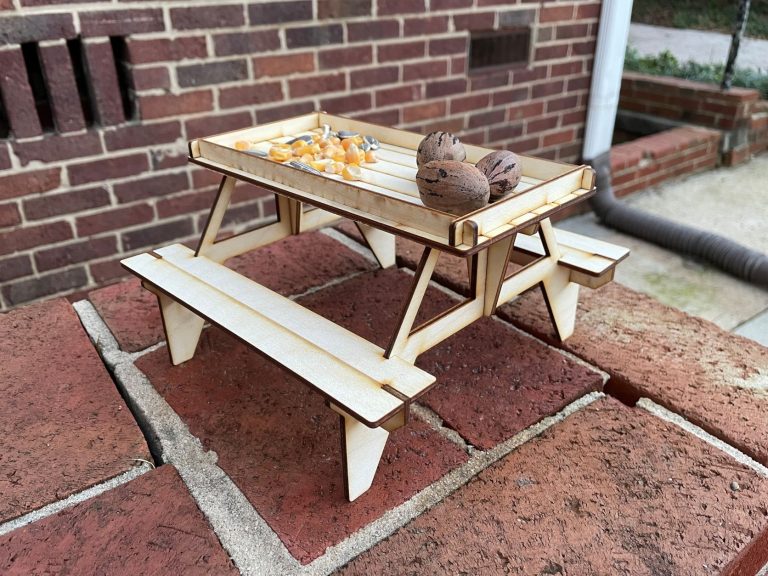 Table for squirrels laser cut from plywood by Jodean Schmiederer.
Location
Maker Hub – Downtown
Access
You must complete a Basic Training and Safety training before you can use the laser engraver – see below for details. After completing the training, you can use the laser during regular operating hours. It is first-come, first-serve.
Training
To use the Downtown laser engraver, you’ll need to complete the required training. It includes both an online and in-person part to help you build confidence and learn how to use the laser safely and effectively.
You can get started with the online portion on Moodle.
Tutorials & Resources
- Checksheet: Universal Laser Engraver – Steps to complete before starting an engrave or cut.
- Adobe Illustrator is now available to Elon students and staff. Read more about downloading Adobe Creative Cloud.
- Learn how to use Adobe Illustrator with LinkedIn Learning tutorials. Free access for Elon users.
- The Noun Project – icons and graphics free to use under Creative Commons. Tip – download the SVG version of the file to use in Illustrator.
- Boxes.PY -create boxes from plywood
- Templatemaker.nl – create boxes from paper or chipboard
Materials
Only approved materials are allowed on the Downtown laser engraver. Attempting to engrave or cut other materials could seriously harm your health and/or the tool and is not allowed.
Laser-safe materials for the Downtown laser are:
- laser-safe plywood (interior-grade plywood made without formaldehyde glue)
- untreated lumber
- acrylic
- paper, chipboard, cardboard, and poster board
- textiles (most woven fabrics, including cotton, felt, fleece, denim, linen polyester, lace, and silk)
- leather (NEVER pleather or faux leather)
We have an assortment of all these materials available in the Maker Hub for you to use for free (except leather). See the Maker Hub’s policies on materials for limitations on what the free materials can be used for.
If you supply your own material, it’ll need to go through the material approval process. A link to the online form and more details are available on the Maker Hub’s materials policies page.
Technical details
Universal Laser Systems VLS6.60, 60 watts (Downtown)
- Accommodates materials up to 32” x 18” x 9” (tall)